Embroid products
A software client, a dedicated hardware node, and a pro lab hub that work together as one connected hardware operations platform.
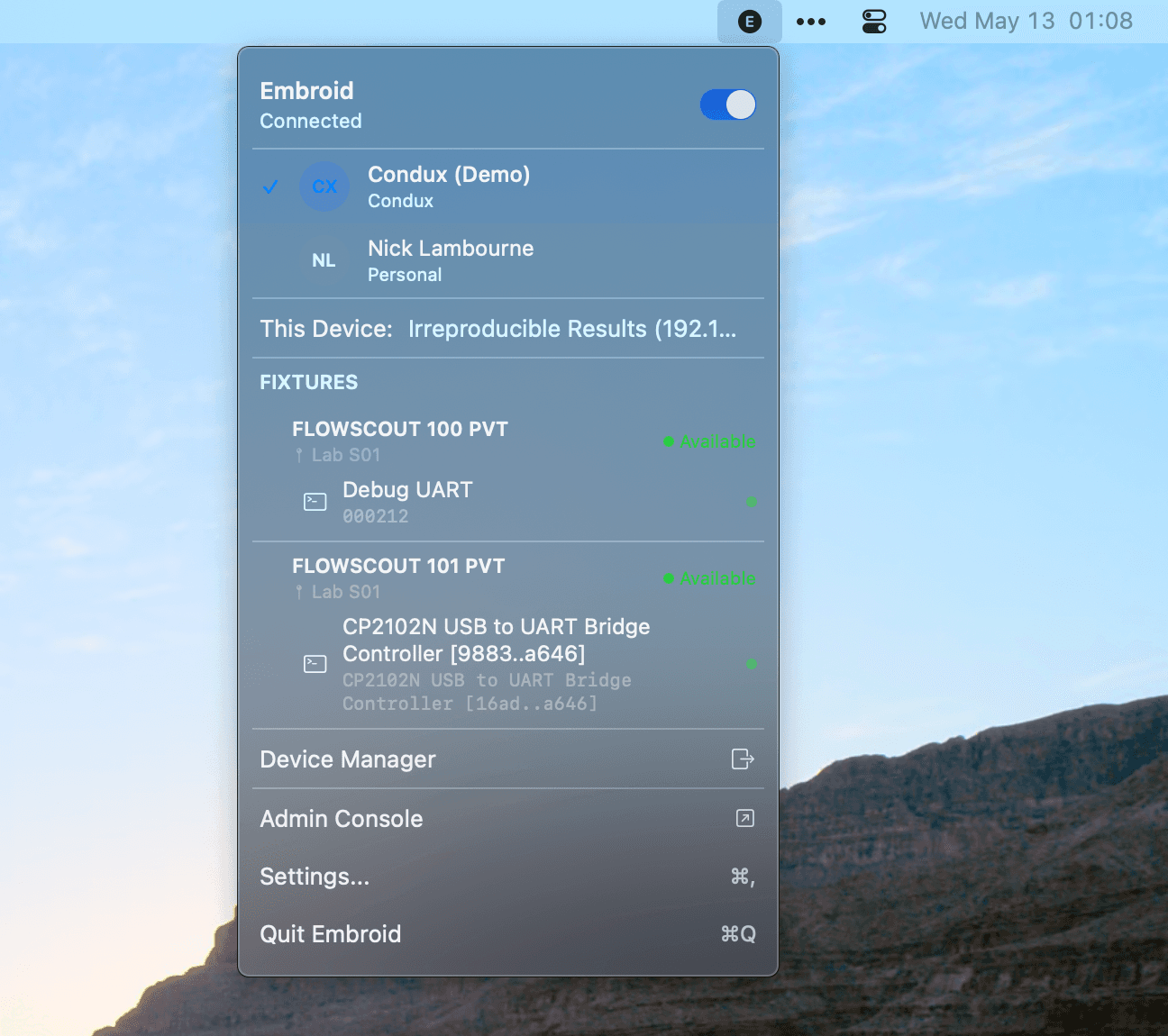
Embroid Client
Software bridge for your existing bench.
Install Embroid on macOS, Windows, or Linux to discover devices, flash firmware, stream serial logs, run local sequences, and expose a local MCP, CLI, and REST interface without buying new hardware.
- Local web UI
- Local MCP server
- CLI
- REST API
- Device discovery
- Serial capture
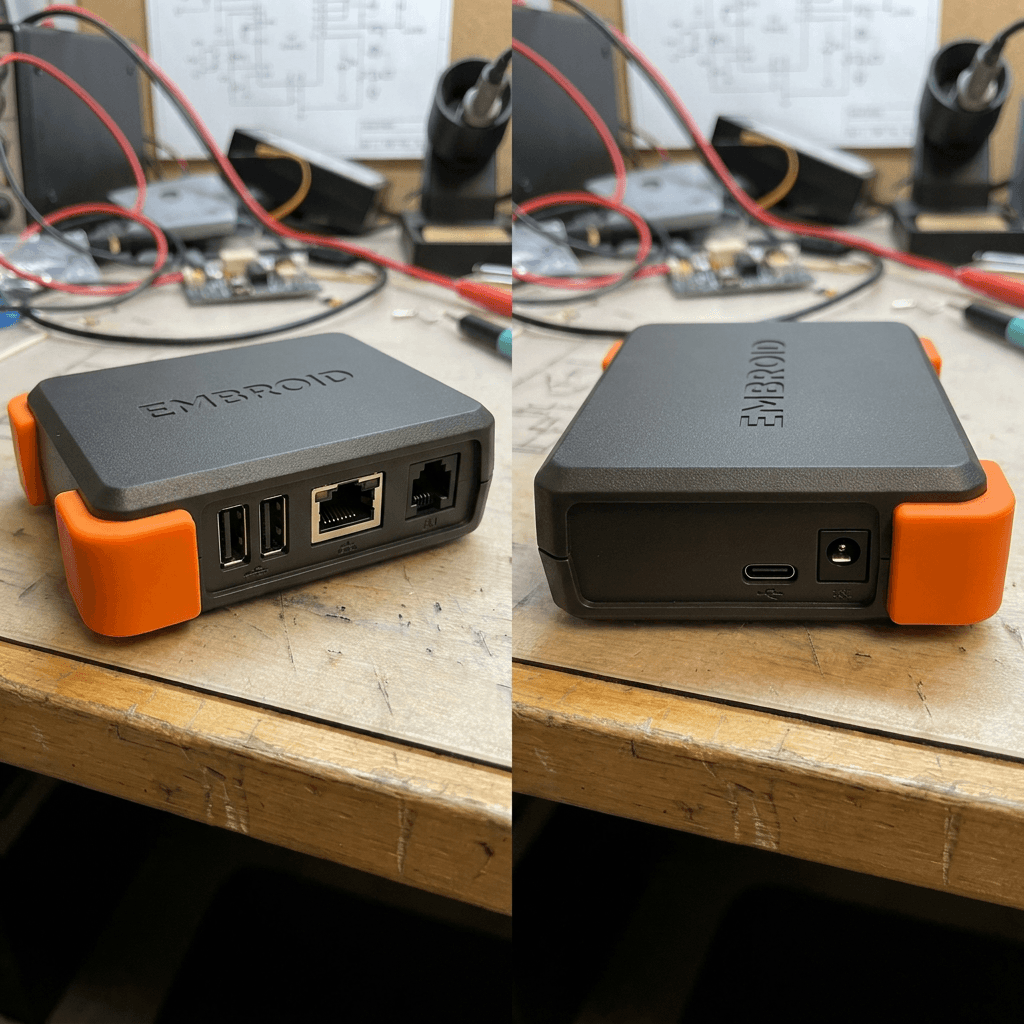
Embroid Basic
Reliable access for one bench or small team.
A compact hardware node with switched USB, power control, serial capture, GPIO triggers, local control surfaces, and optional cloud coordination, so your bench stays available even when your laptop is closed.
- 2 downstream USB-C ports
- USB passthrough mode
- Independently switched power
- Low-voltage trigger output
- 3–4 GPIO lines
- 2 UART channels
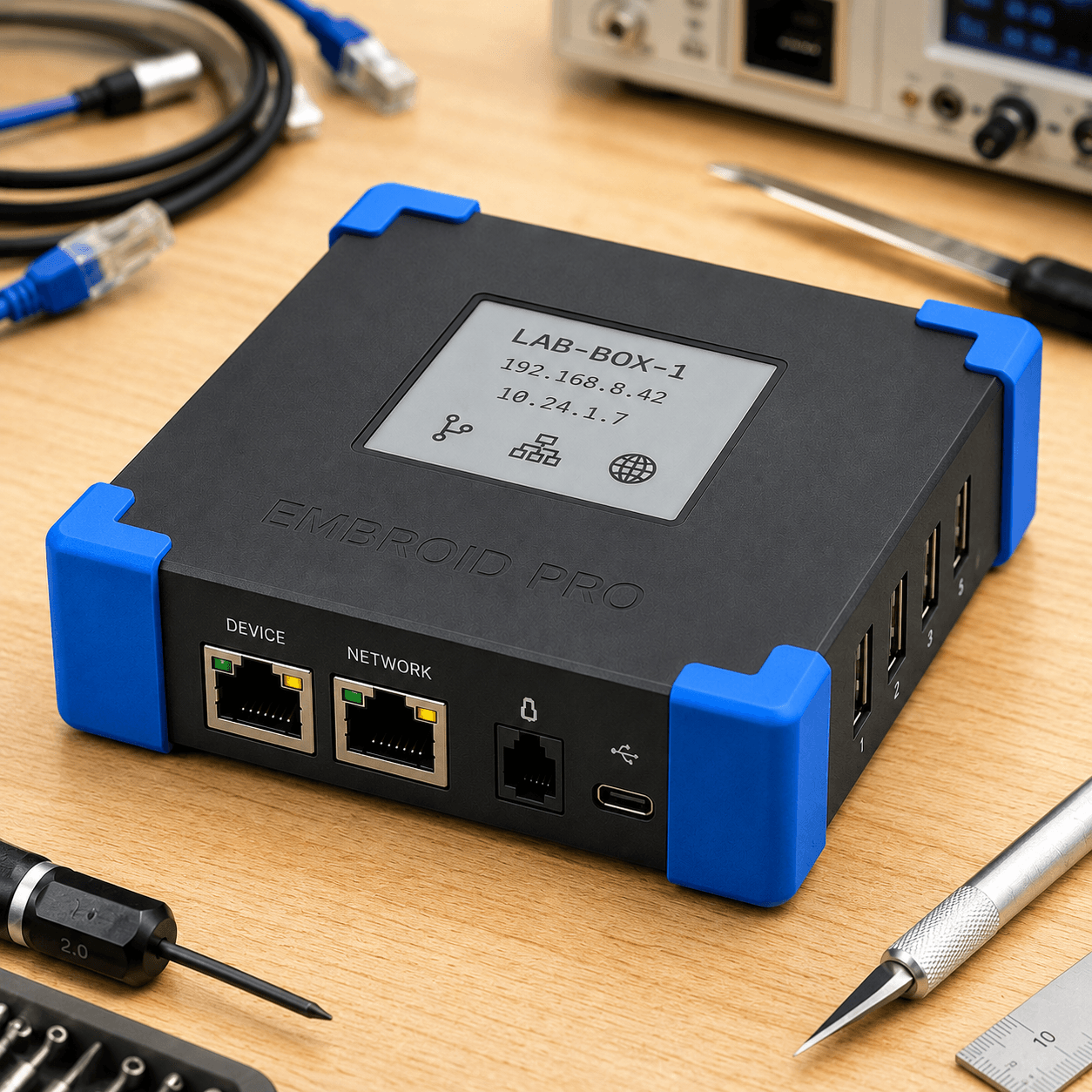
Embroid Pro
Advanced workflows for shared labs and validation teams.
A premium local-first automation hub with more ports, richer debug interfaces, scheduling, observability, accessory expansion, and team-ready automation for serious benches and validation labs.
- 4 downstream USB-C data ports
- USB passthrough mode
- Switchable USB-C power output
- Barrel-jack DC switching
- 8 GPIO / trigger lines
- 4 UART / debug channels
How Embroid products work together
Client, Basic, and Pro share the same control surfaces, MCP, CLI, REST, and local UI, so workflows port cleanly as you scale.
- -Start on an existing workstation with Client.
- -Add Basic when a bench needs to stay online.
- -Expand to Pro when labs become shared infrastructure.
- -Sequences, leases, and evidence carry across every tier.
Sequences, leases, integrations, and evidence move cleanly between Client, Basic, and Pro, so workflows port up as the bench grows.
Not sure which tier fits?
Tell us what you're building and what you're trying to prove. We'll help you pick the right starting point.